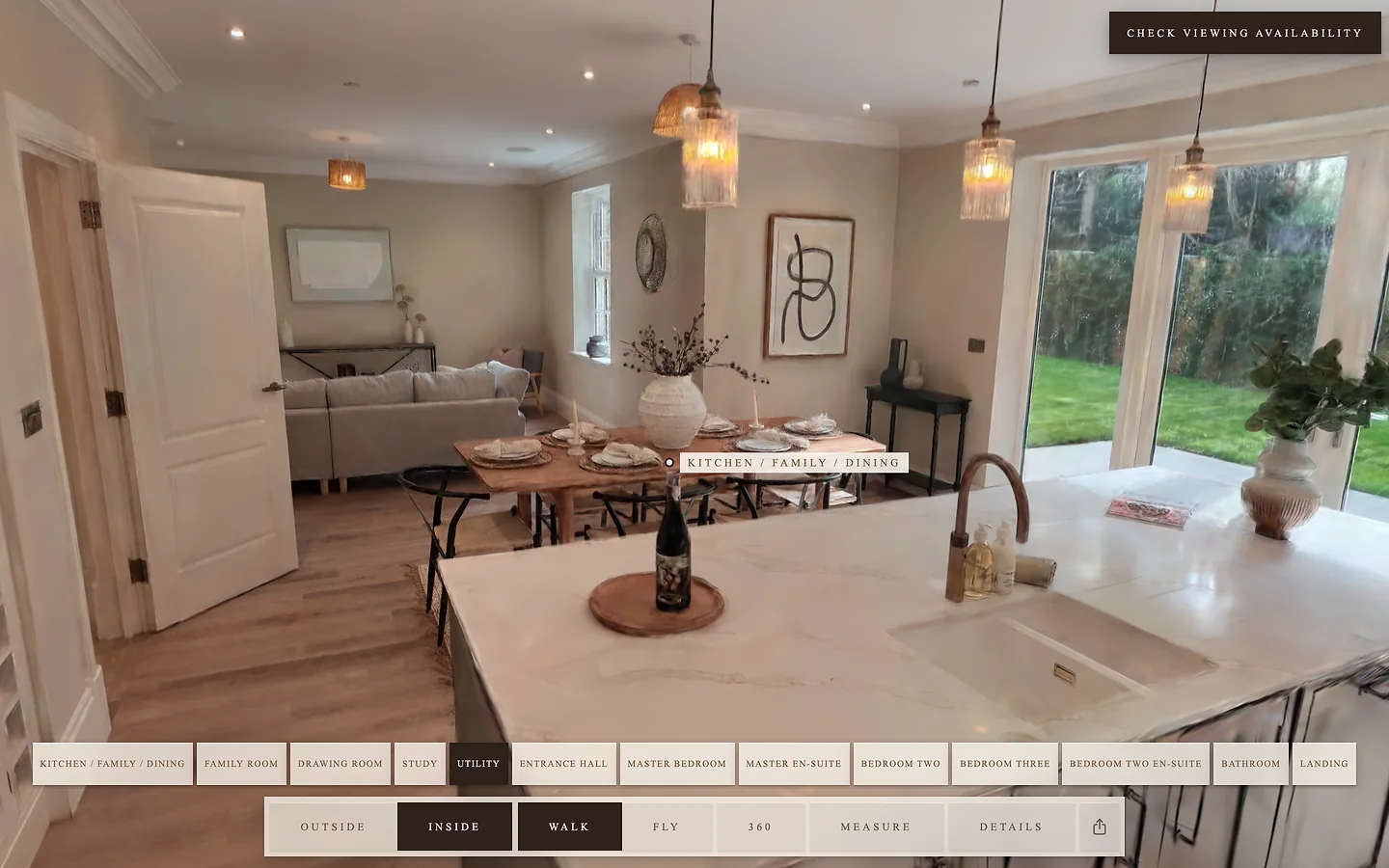
Walk inside
Go room to room, or fly. Tap a room's name to jump there.
 Roamby Site Social
Enquire about RoamEnquire about Roam
Roamby Site Social
Enquire about RoamEnquire about Roam
Roam by Site Social
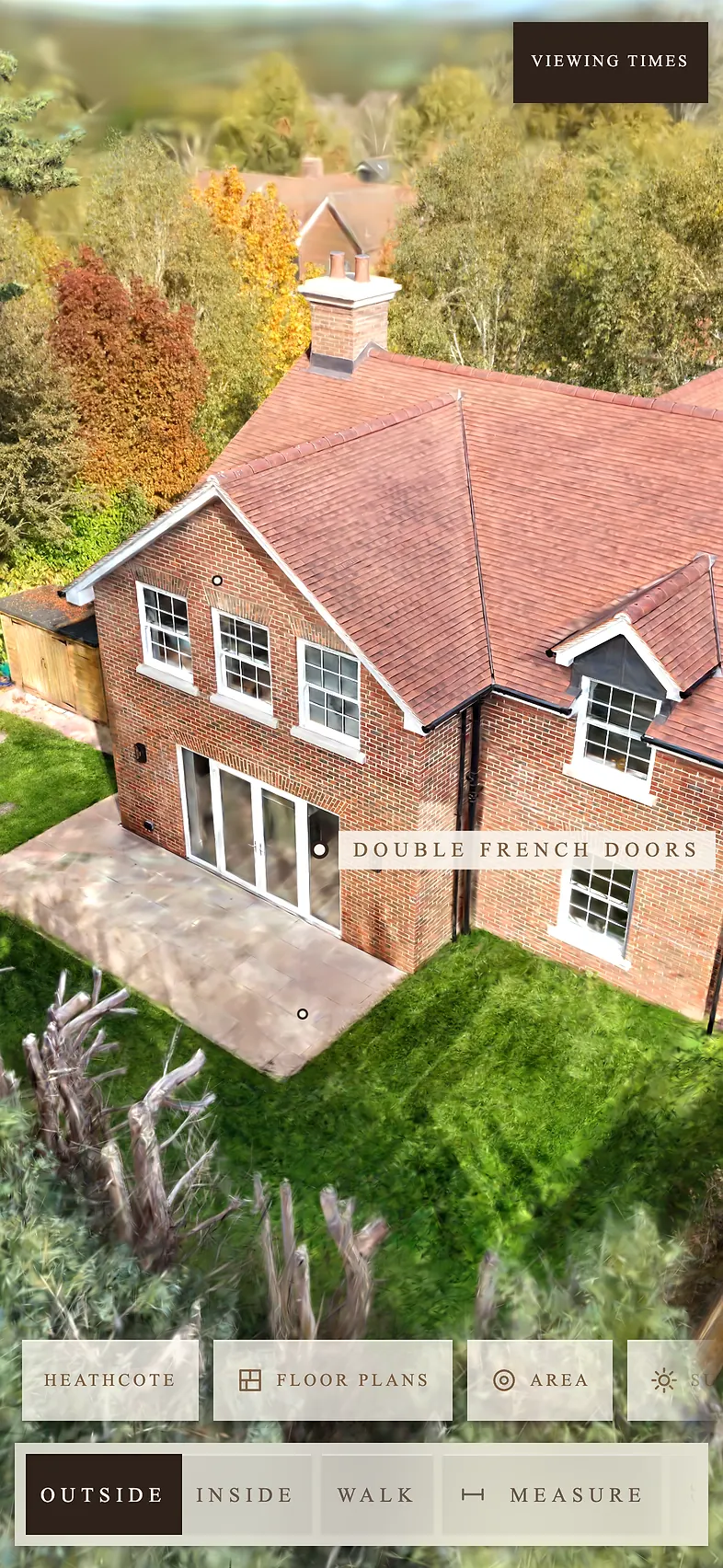
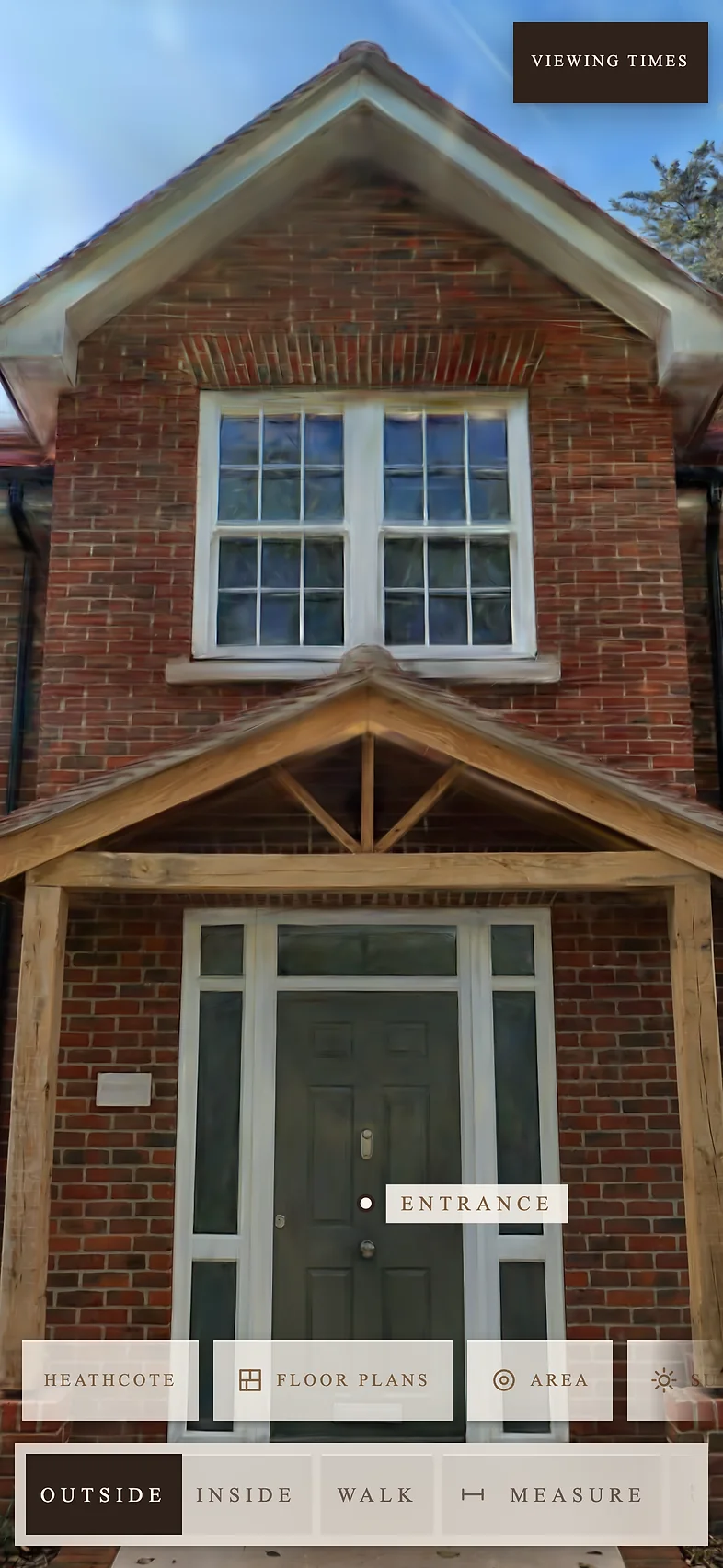
Buyers walk the whole property, inside and out. When they enquire, you see exactly what they looked at, so you know what to say to turn a viewer into a buyer. Live within 2 working days, at one link that opens on any phone or computer.
Heathcote, a four-bedroom new-build in Ampfield, Hampshire, by Hamwic Homes.
Click to exploreW A S D or arrow keys to moveDrag to look aroundClick a label to find out more
When someone enquires, downloads the floor plans or asks when they can view, from inside the tour, you don't just get a name and a number. You get their Lead Profile: a summary of everything they did in the tour.
Every feature is tracked. Which rooms they spent time in, what they measured, whether they looked at the garden, and whether they checked the local schools. So when you call, you already know what matters to them. You talk about the things they looked at, and you have what you need to turn a viewer into a buyer.
Name, email and phone, and whether the lead is hot, warm or cold.
A heat map on the floor plans, with anything they measured drawn on.
The parts of the plot they looked at, and the schools, shops or station they checked.
Their position, how they're paying and when they want to move, if they chose to say.
Talking points drawn from what they did in the tour.
A buyer's details are only sent if they fill in the form and tick the consent box.
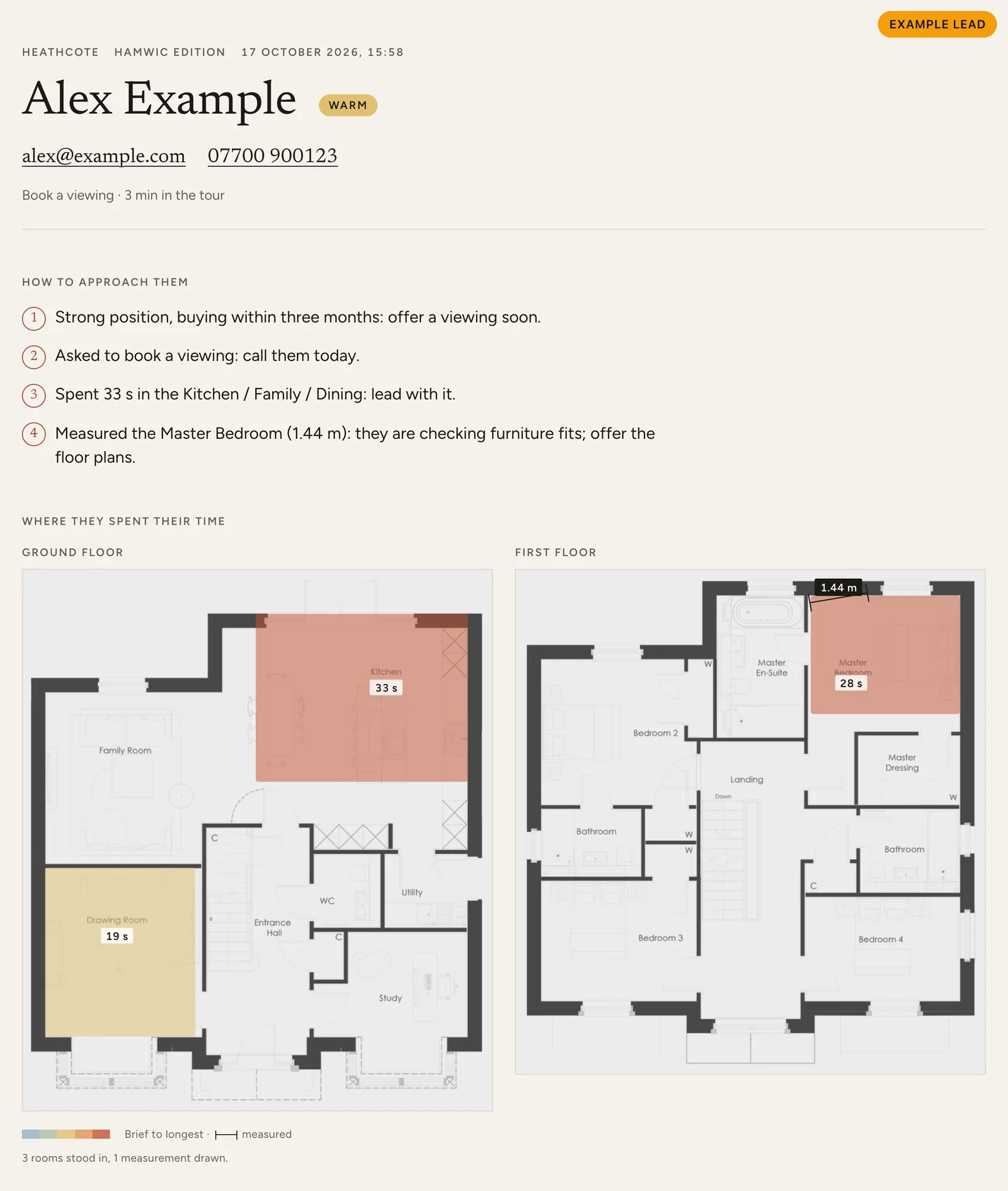
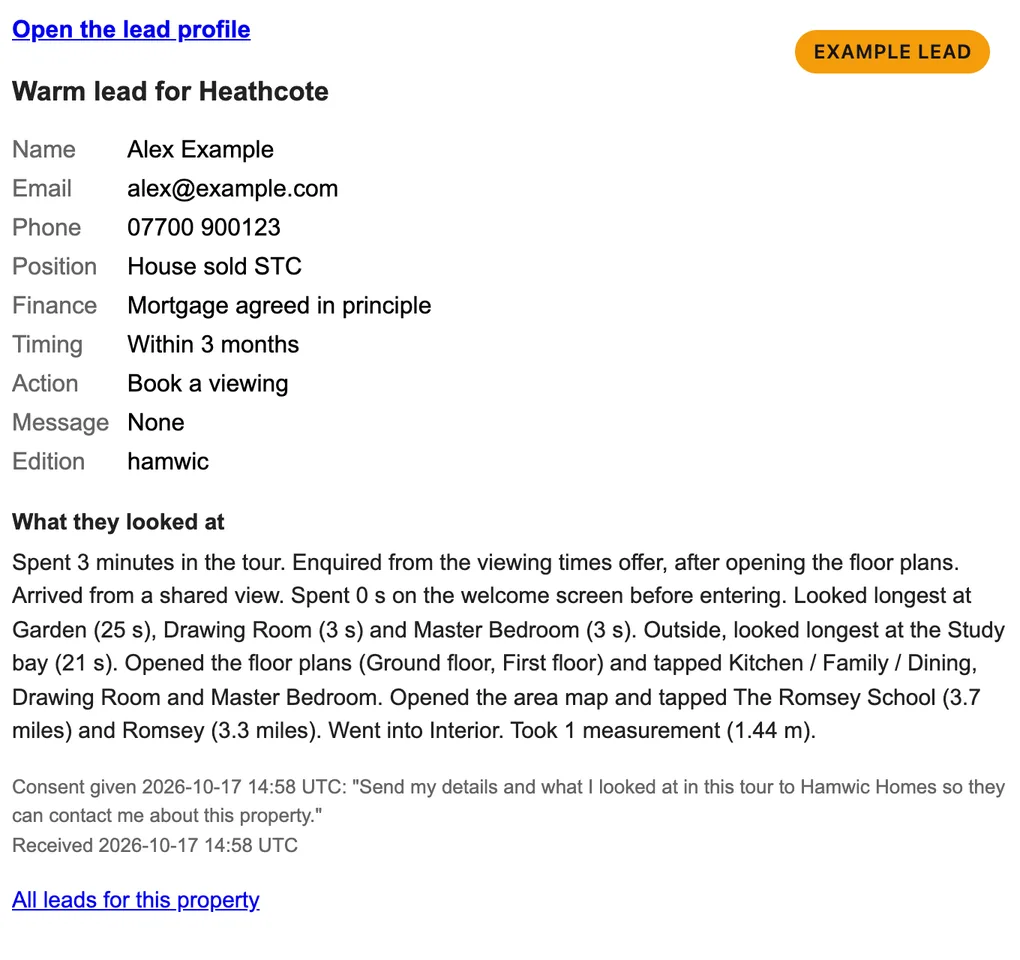
Example Lead Profile
Ask for a price, check our availability or just ask a question. We'll come back to you by email or phone.
Thanks, we've got it. We'll be in touch soon.
Go room to room, or fly. Tap a room's name to jump there.
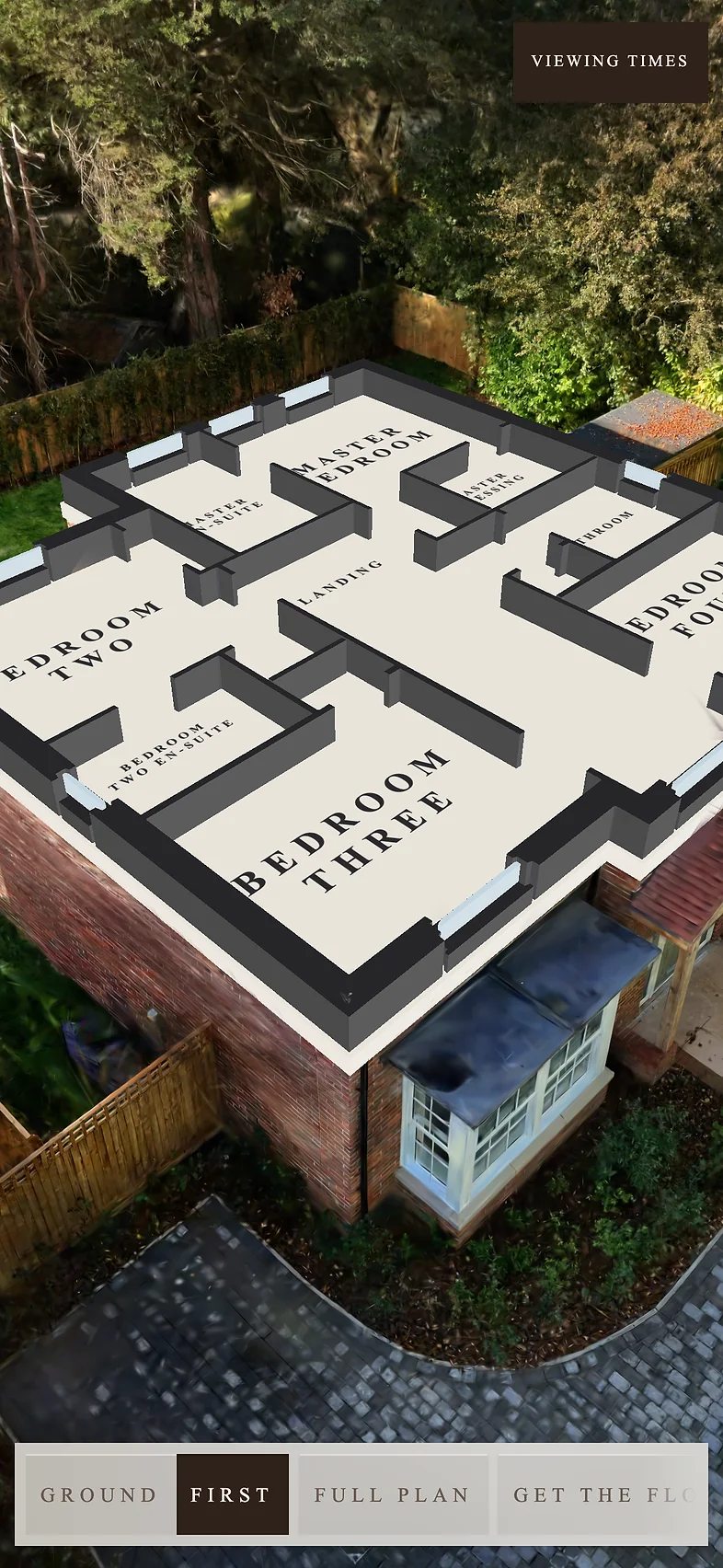
The roof lifts off and the rooms are labelled on the house itself.
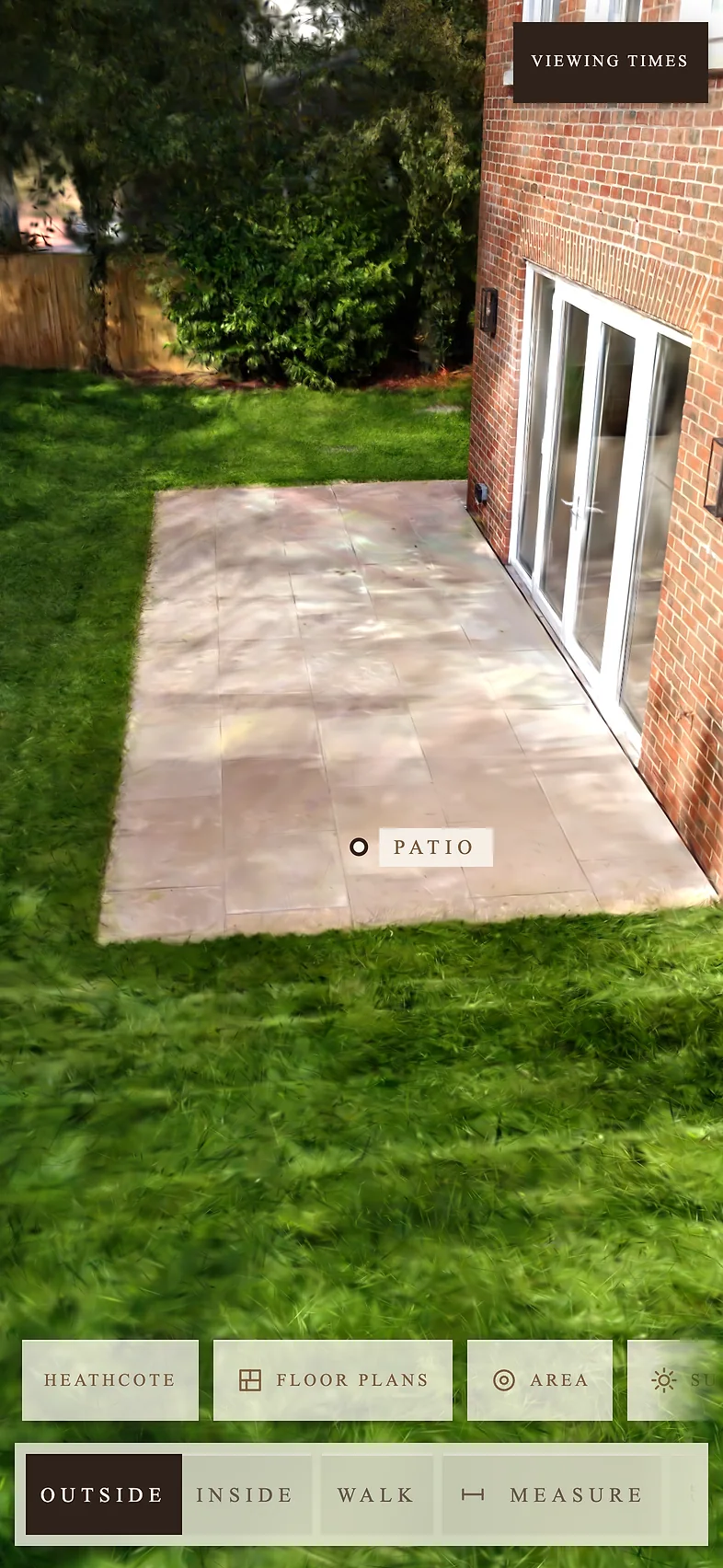
Key features marked, with a line on each.
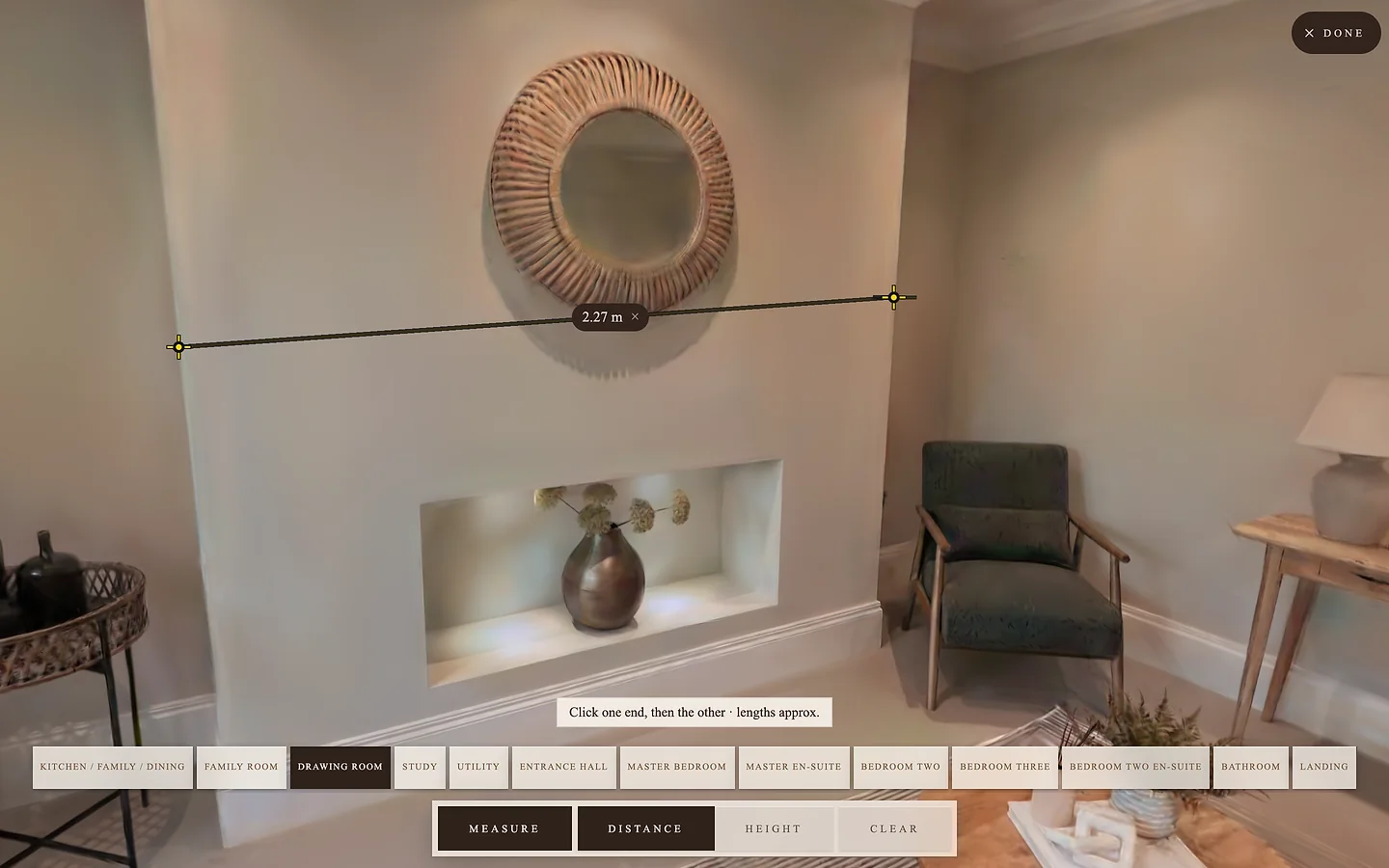
Tap two points for a length or a height.
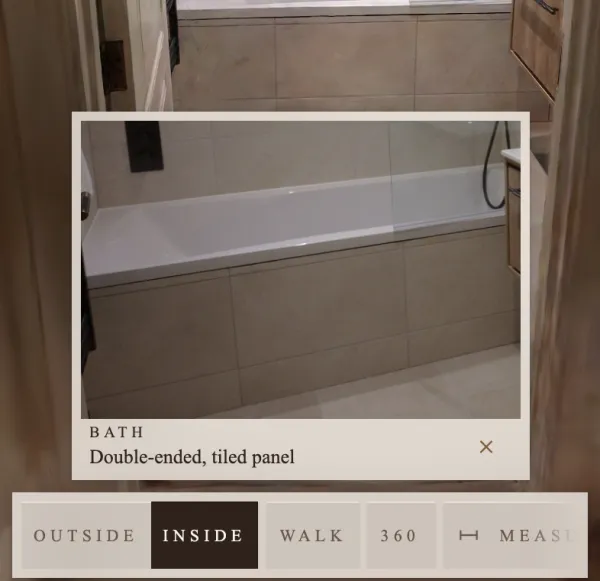
Close-up photos of the kitchen, bathrooms and fittings.
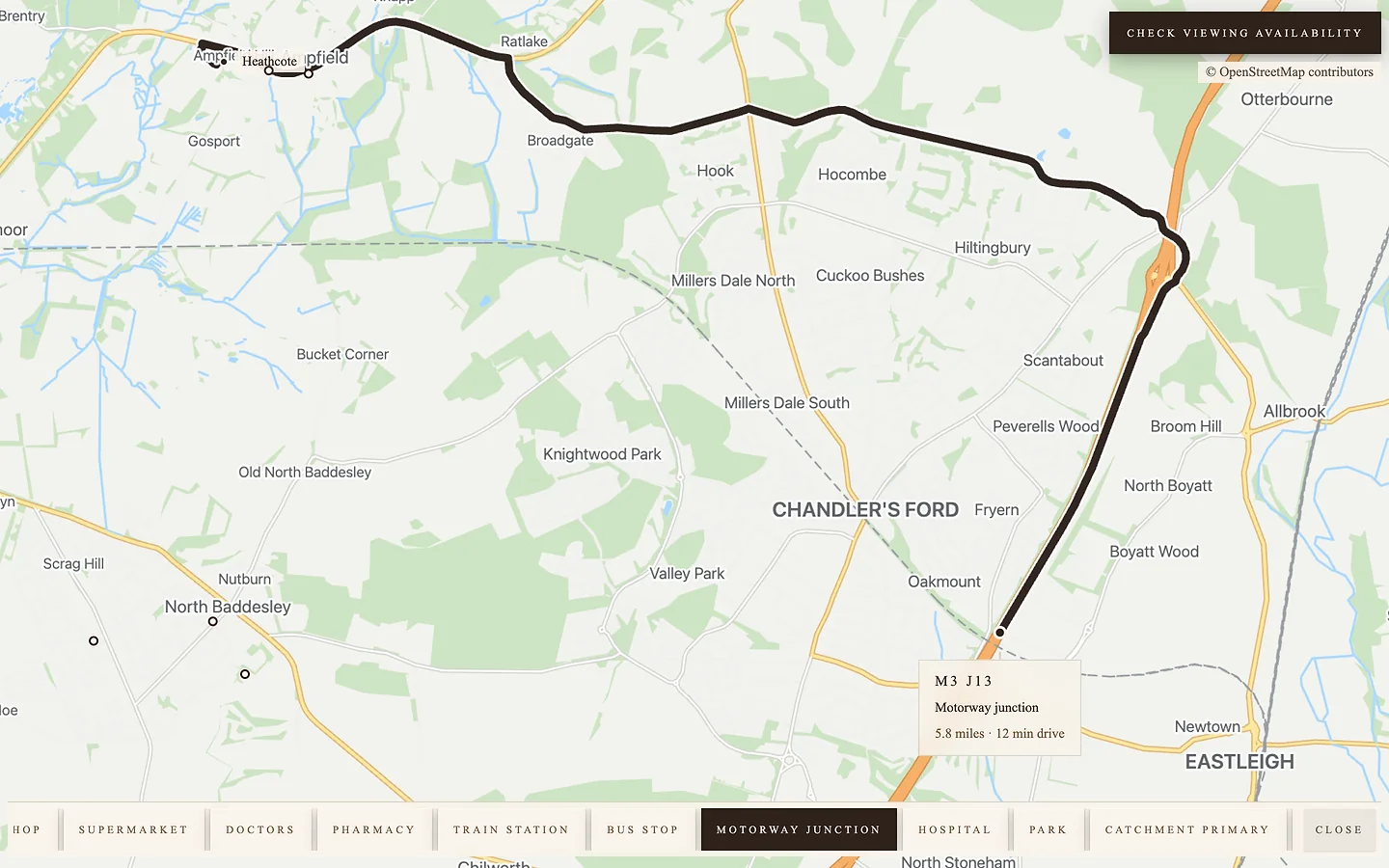
Schools, shops and the station, with distances from the door.
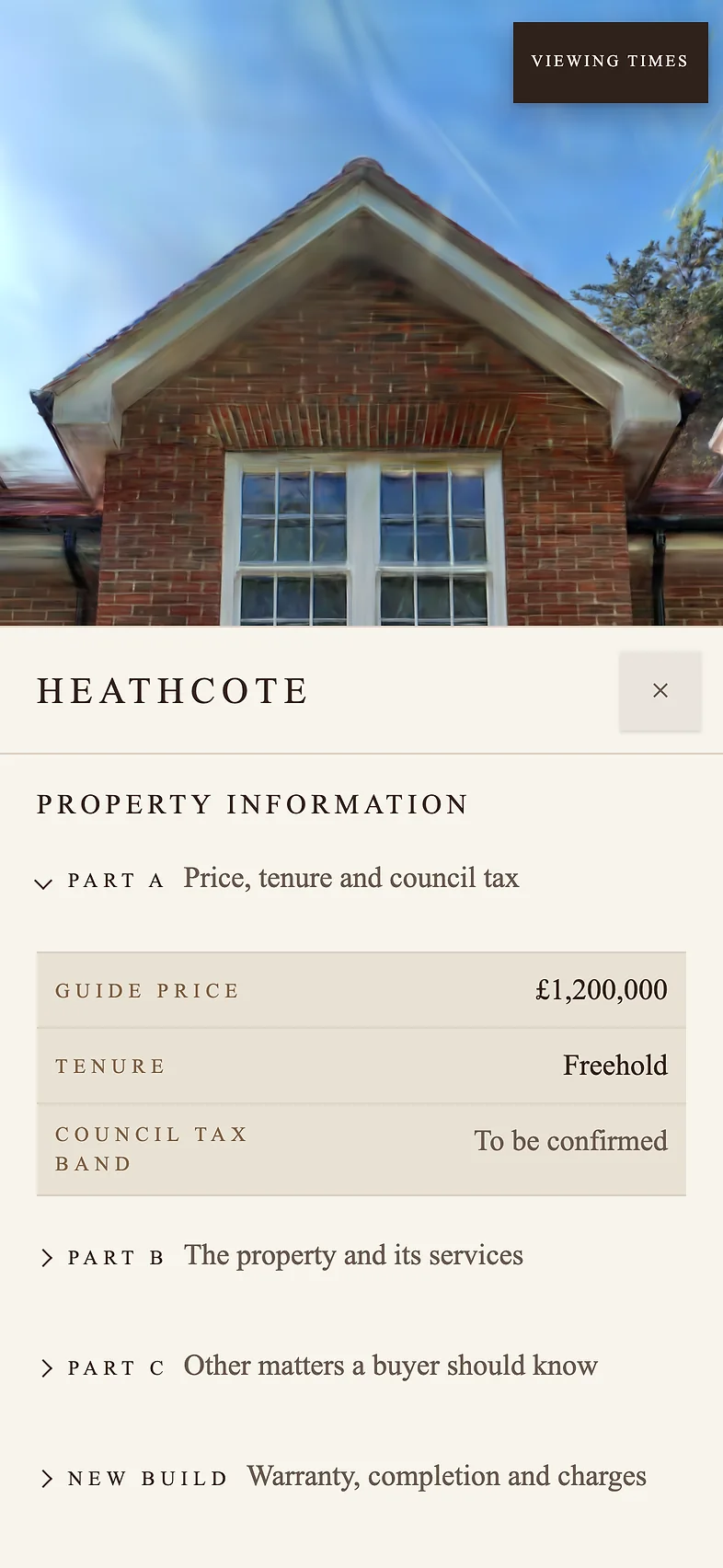
Designed to answer every question a buyer has: price, tenure, council tax, construction, heating, broadband, flood risk, warranty and more, set out the way National Trading Standards asks agents to give it.
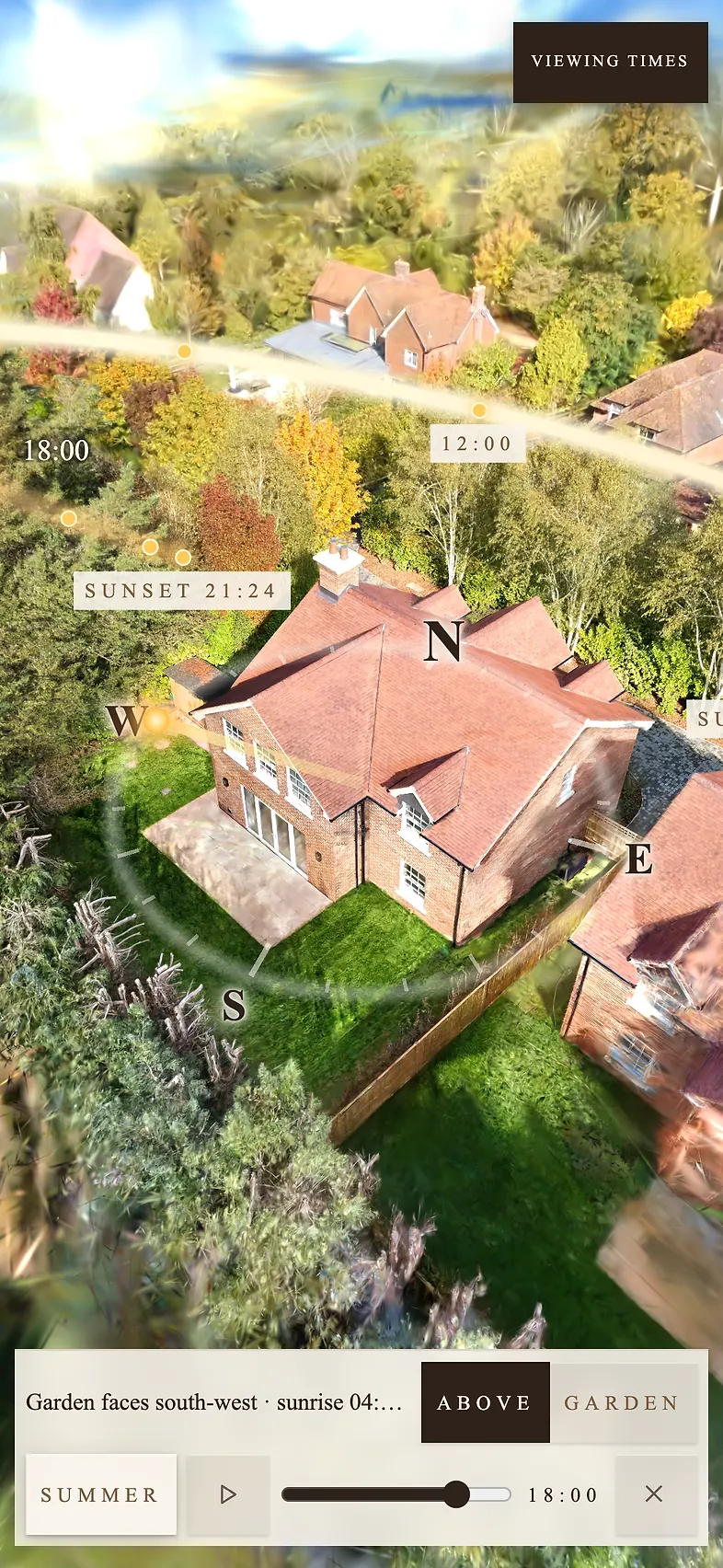
Where the sun is through the day, in every season.
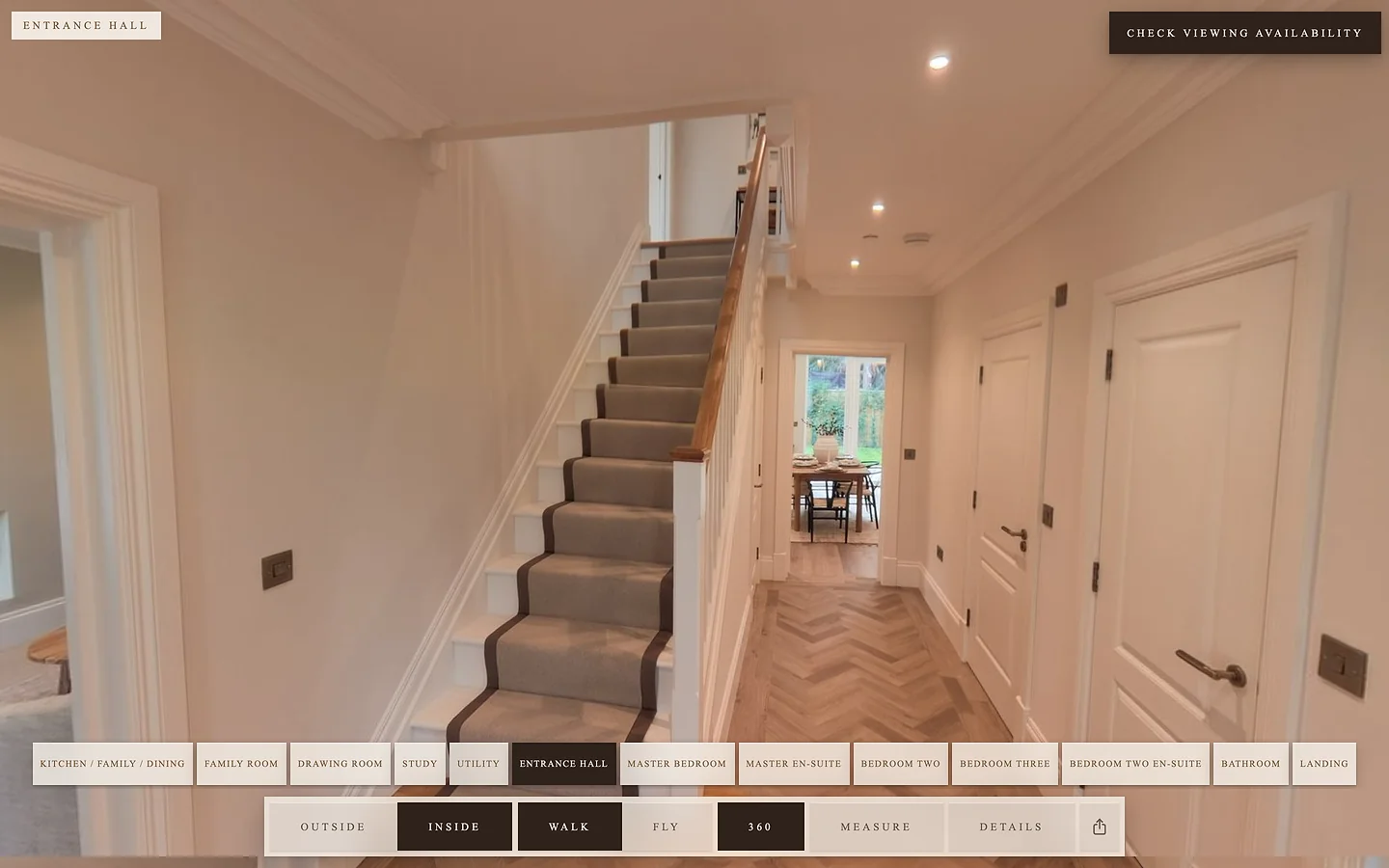
Full-quality 360 photos covering the whole house.
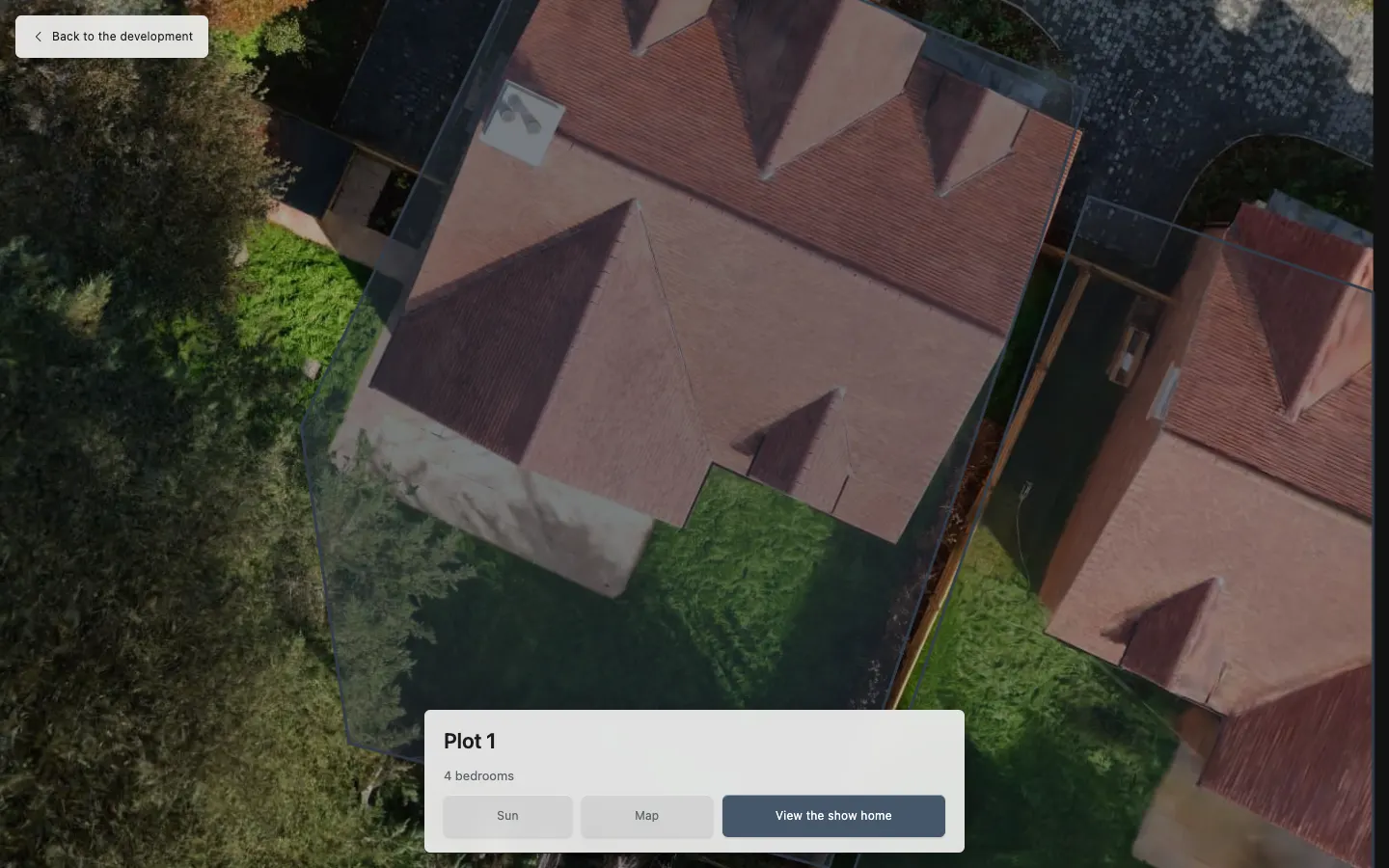
We capture your show home as a Roam tour, then build an interactive development plan around it. Buyers tap their plot to see its floor plans, which way its garden faces and where the sun falls through the day, then walk the show home for that house type.
One tour per house type, and every plot on the development covered. Contact us to talk through your site.
Add VR as an extra, and visitors to your sales office can walk the tour in a VR headset at real scale. Contact us for details.
Within 2 working days of the shoot. Changes after that are quick.
It's a link. Put it on the listing, your website, socials, email or a QR code. It opens in the browser on any phone, tablet or computer.
Yes. Roam works for offices, warehouses, industrial units, shops and other commercial space as well as homes. Tenants and buyers can walk the whole site, see the layout and the size of the space, and measure it before they visit.
No. No app, no account, nothing to install.
A 360 tour is a set of photos you jump between, usually indoors only. Roam is a 3D model of the entire property, so buyers move freely through it, inside and out, including the garden and the view from above. It has full-quality 360 photos covering the whole house too. And a 360 tour tells you nothing about who looked at it. Roam gives you a Lead Profile on every enquiry.
Have the house ready to show. We handle everything else, and can shoot your listing photos and video on the same visit.
Yes. We design the viewer for each client, in your logo, colours and fonts, so it looks like part of your own website rather than third-party software. A developer and an agent can each have their own branded version of the same house.
When a buyer enquires, downloads the floor plans or asks when they can view, they fill in a short form and tick a consent box. You get an email with their details and a link to their Lead Profile: everything they looked at in the tour. Nothing is sent unless they send the form.